Schulte Training Guide: Visual Search from 3×3 to 5×5
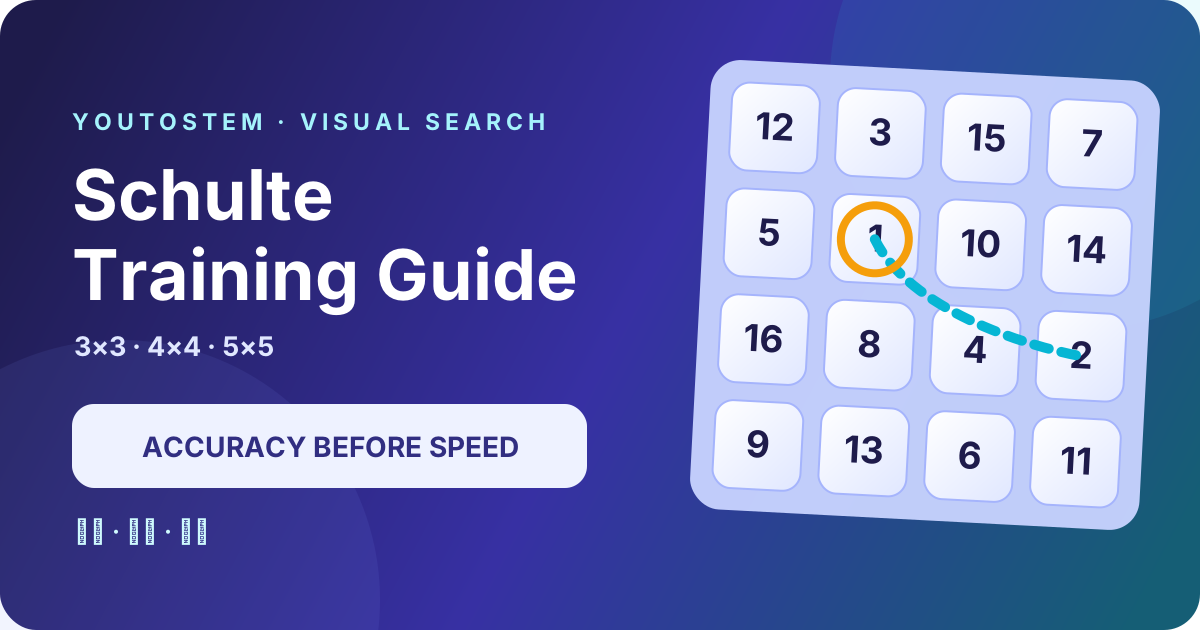
A Schulte table places consecutive numbers in random cells. The standard task is simple: start at 1, find every number in ascending order, and record completion time and errors. The useful part is not a lucky fast run. It is building an accurate, repeatable visual-search routine that you can review.
Open Schulte Training and start with a 3×3 table
Quick answer: how to use a Schulte table
Press Start, select 1, then 2, 3, and every following number until the table is complete. Selected numbers stay in place and receive a small completion mark. This keeps the visual environment stable throughout the task instead of making the later search artificially easier.
Let your eyes and head move naturally. You do not need to force your gaze to remain at the centre, suppress blinking, or hold your breath. Stop and rest if you notice eye strain, headache, nausea, or significant fatigue.
Three difficulty bands and 90 levels
Beginner: 3×3, numbers 1–9
The 30 Beginner levels establish the full loop: identify the next target, search, verify, and select. Ignore speed at first. Aim to complete several tables without skipping or misidentifying a number.
A useful route is to check four regions in order: top-left, top-right, bottom-left, and bottom-right. If the target is absent from one region, move to the next instead of bouncing around the table.
Intermediate: 4×4, numbers 1–16
The 30 Intermediate levels increase the candidate set to 16. Similar-looking and nearby numbers create more interference. After each selection, silently name the new target—“find 11”—before beginning the next scan. This prevents the hand from moving ahead of the decision.
You can divide the table into four 2×2 blocks. The goal is not to memorise the layout. The blocks simply give the search a consistent route and make repeated checking easier to notice.
Advanced: 5×5, numbers 1–25
The 30 Advanced levels use the familiar 5×5 format. With 25 candidates, omissions and returns become more common. Choose either horizontal bands or a “four corners plus centre” route and keep it for a set of attempts before evaluating it.
The in-game target gradually becomes tighter, but it never causes failure. It is a practice reference, not an age norm, intelligence score, or clinical threshold.
A repeatable search routine
- Confirm the target. Read the Next value before moving your hand.
- Search in a fixed order. Follow regions or bands instead of jumping randomly.
- Verify before selecting. Slow down around visually similar pairs such as 12/21 or 6/9.
- Move naturally. Short, orderly saccades across the table are more comfortable than forced central fixation.
- Review errors before time. A zero-error 35-second run is a better baseline than a 28-second run with several wrong selections.
Why selected numbers remain visible
Removing each selected number continuously reduces visual density. The second half would then be a different and easier task than the first. Research implementations of Schulte-grid tasks commonly retain the numbers while recording order accuracy and response time. This game adds a small check mark but leaves the number and position unchanged.
The mark also confirms that a click was received without inviting a second tap when a touch screen responds slowly.
Use hints as diagnosis, not dependency
Hint briefly outlines the current target but does not select it. Use it only after a genuine search stall. Then ask why the target was missed: Was one region never checked? Did you repeatedly return to a completed region? Did a nearby number capture attention?
If several tables require frequent hints, return to a smaller grid and rebuild a systematic route. The goal is to repair the search process, not accumulate assisted completions.
How to measure improvement
Do not compare raw time across grid sizes. A 3×3, 4×4, and 5×5 table contain different numbers of candidates. Keep separate records for:
- selection errors;
- completion time;
- hint use;
- numbers that caused long stalls;
- consistency of the chosen scan route.
Use the median of the last five attempts rather than one personal best. A lucky arrangement can place several consecutive numbers close together. If time falls while errors rise, restore accuracy before pushing speed again.
Daily and friend challenges
The Daily Challenge derives a fixed level and arrangement from the date, so everyone receives the same table that day. A friend challenge stores the level, layout seed, completion time, and errors in the URL, allowing both players to repeat an identical arrangement.
For a fair comparison, use similar screen sizes and input methods. Mouse travel, touch targets, browser zoom, and display size affect completion time. Results are most useful for comparing your own practice over time, not for ranking people across unlike devices.
What the research supports—and what it does not
Peer-reviewed work does use Schulte tables to study visual search and attentional selection. An ERP study with children aged 8–11 used sequential number search and compared reaction times and brain responses under monochrome and two-colour conditions. An EEG study compared cortical activity while children and adults completed Schulte tables. Recent eye-tracking work has also related task efficiency to fixation, saccade, and return measures.
That evidence supports describing the Schulte table as a measurable visual-search and sequential-selection task. It does not follow that practising it treats myopia or ADHD, raises general intelligence, or reliably improves every form of attention and reading. The most certain learning is task-specific: familiarity with Schulte layouts and better strategies for this kind of search. Transfer to untrained abilities requires separate controlled evidence.
Read the primary sources:
- Brain and Behavior: ERP study of dual-colour visual search based on a Schulte grid
- Sensors: cortical activity of children and adults during Schulte-table tasks
- Procedia Computer Science: eye movements during Schulte-table completion under stress
For that reason, YouToStem does not present target times as medical norms or infer health conditions from a score. If a parent or teacher has concerns about vision, attention, or learning, a qualified eye-care, paediatric, or psychological professional—not a browser game—should assess them.
A child-friendly practice schedule
Three to five tables are enough for one short session. Long continuous practice adds fatigue, which increases errors and returns and makes strategy changes harder to evaluate. Try this compact cycle:
- Complete one table slowly to establish an accuracy baseline.
- Keep zero errors on the second while shortening long search pauses.
- Review the three slowest targets on the third and identify any missed region.
- Look away, blink, and rest before deciding whether to continue.
On a small phone, cells and numbers are tighter. Use landscape orientation, increase display size, or switch to a larger device if you need to lean close or repeatedly miss targets. Comfort matters more than a record.
Common mistakes and corrections
- Selecting a nearby number early: read the Next value after every successful selection.
- Random back-and-forth scanning: finish one region or band before moving on.
- Chasing time while errors rise: complete three accurate tables before comparing speed.
- Using Hint as a routine step: after a hint, name the region your route failed to cover.
- Comparing unlike grids: maintain separate baselines for 3×3, 4×4, and 5×5.
- Forcing central fixation: allow natural eye and head movement, blink, and rest.
Quick questions
How long should daily practice last?
There is no universal duration. Comfort and accuracy are better limits than a fixed number of minutes. Three to five tables are often enough for a child. End the session if errors suddenly rise, the player leans closer to see, or discomfort appears.
Can I search in descending order?
Descending search is a valid task variation, but this game uses ascending order throughout so levels, daily challenges, and friend results share one rule. If you practise descending order elsewhere, do not compare its raw time directly with an ascending attempt.
Does the fastest time measure attention ability?
No. Layout, device size, mouse versus touch input, familiarity, and current state all affect completion time. A result describes performance on that attempt; it cannot diagnose an attention condition and should not be used to label a child.
The best goal is not to prove that you have “strong attention.” It is to build an observable process: know the current target, search with a defined route, verify before selecting, and use errors plus same-size completion time to test whether the strategy is becoming more stable.
Start the 90-level Schulte Training game